
ChatChat — Open AI Chat Client
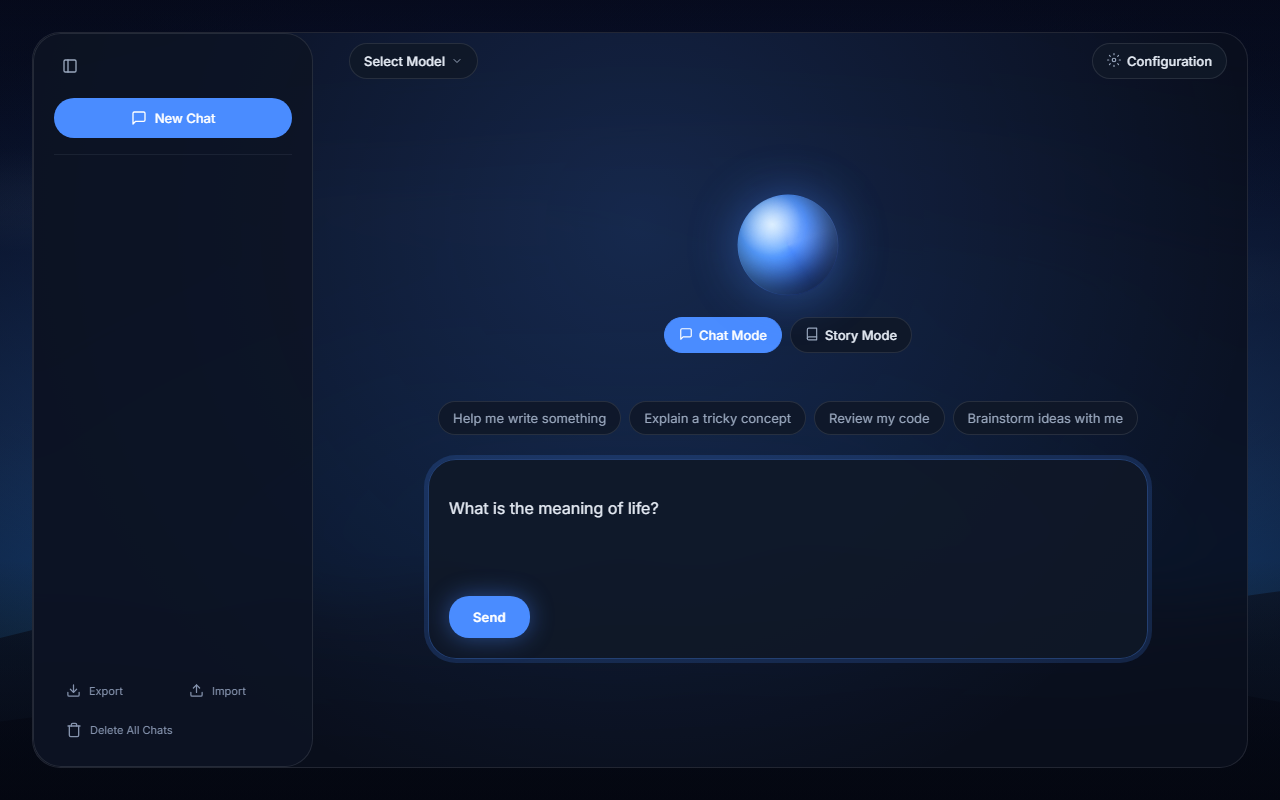
A no-build, single-page chat interface for OpenAI-compatible chat completion APIs. Point it at LM Studio running locally or a cloud provider, and you're chatting in seconds.
No bundler. No package manager. No backend. Just HTML, CSS, and JS — open index.html and go.
What it is
ChatChat is a chat UI I built because LM Studio's built-in interface is fine, but I wanted something with a bit more personality — a story mode for interactive fiction, better markdown rendering, import/export, configurable sampling parameters, and the ability to switch between a local model and a cloud provider without reloading.
It's all client-side. Your chats, your config, your API keys — everything stays in your browser's localStorage. Nothing is sent anywhere except the messages you explicitly send to the API endpoint you configure.
What it does
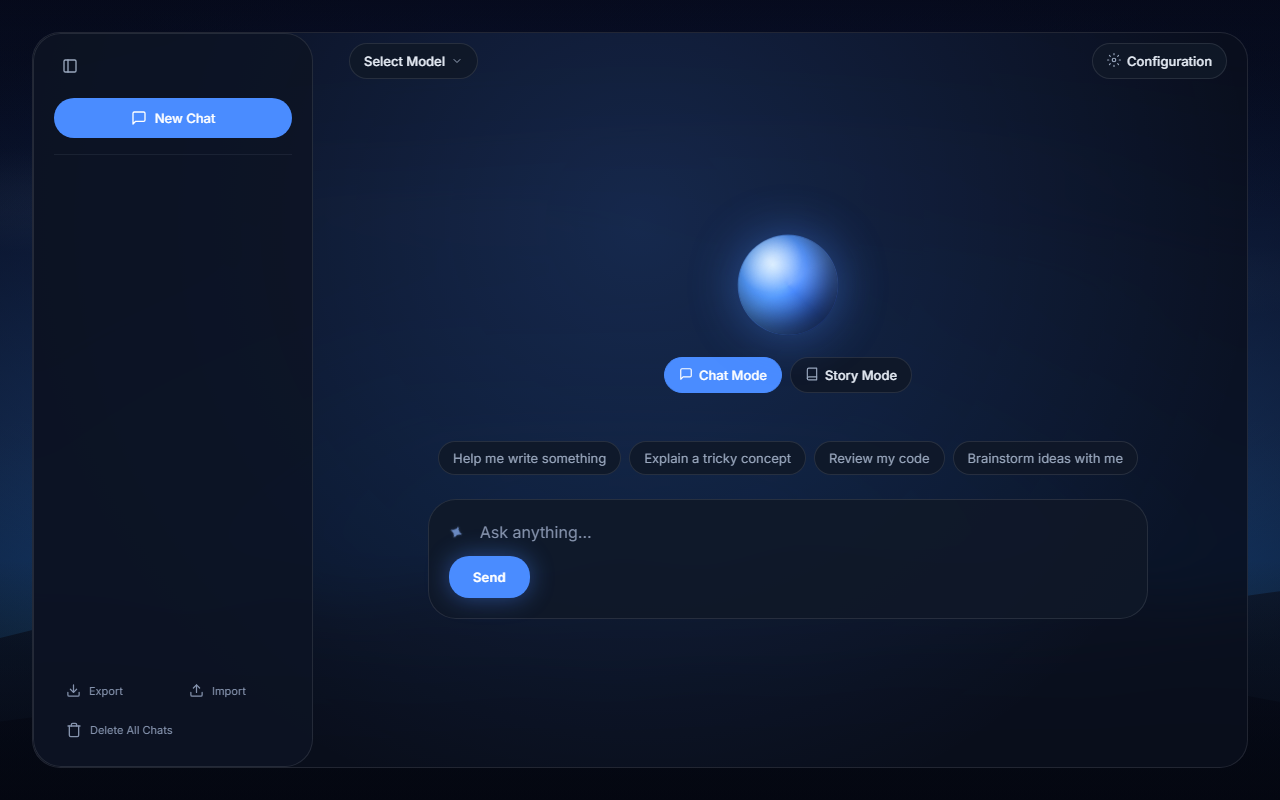
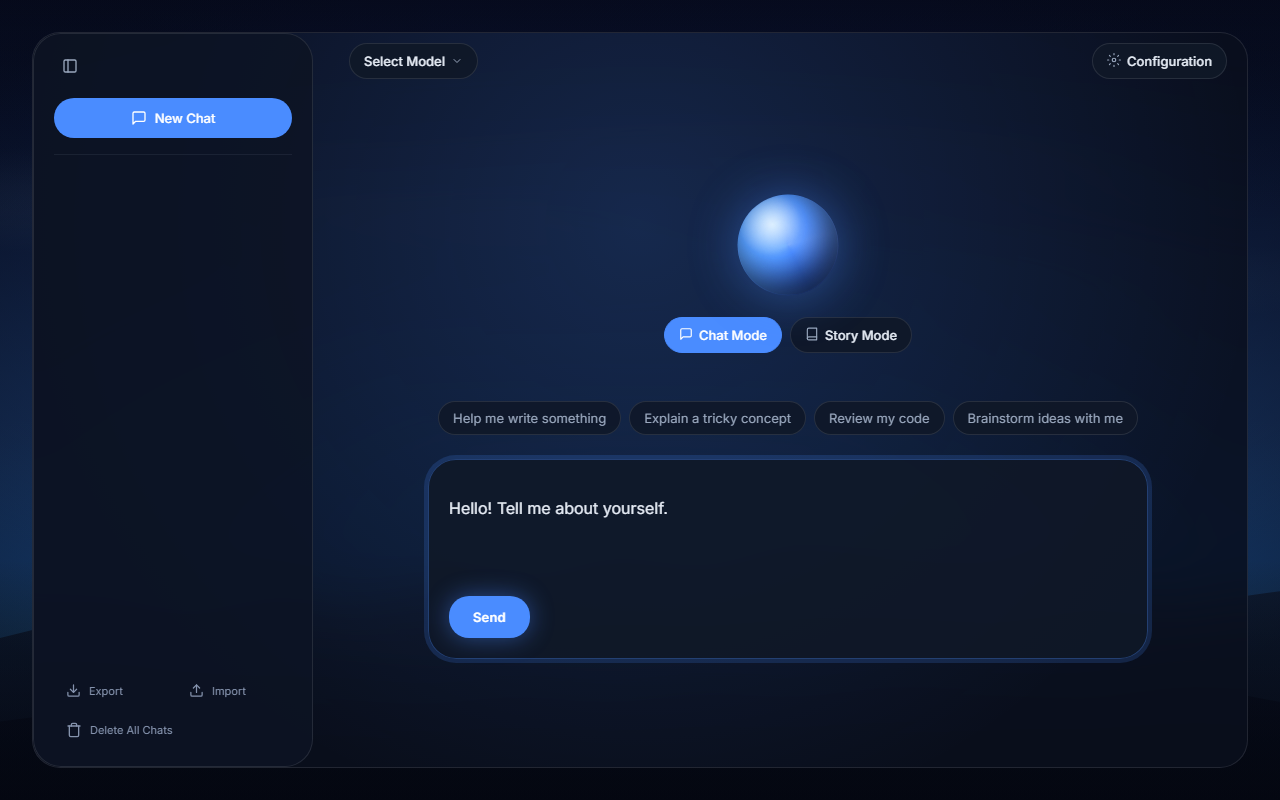
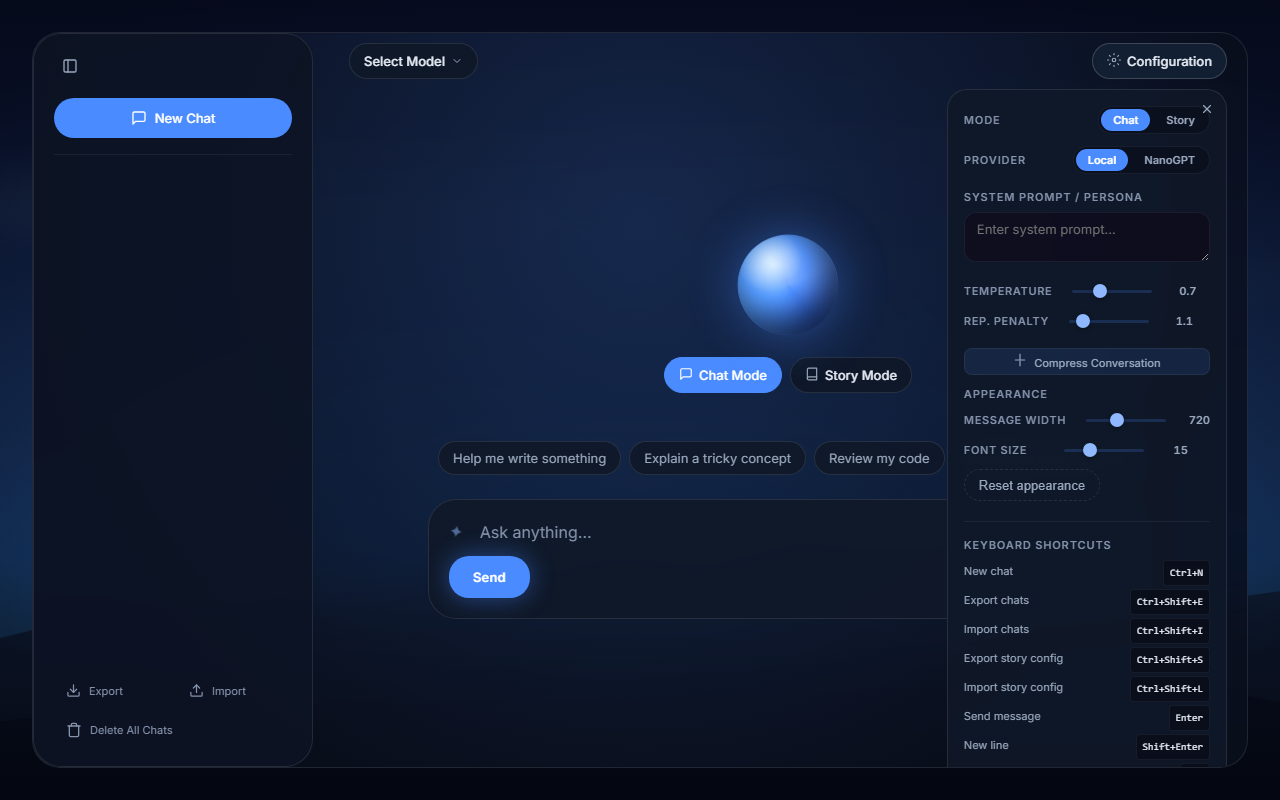
- Chat mode — freeform conversation with any OpenAI-compatible API. System prompt, temperature, repetition penalty — all configurable.
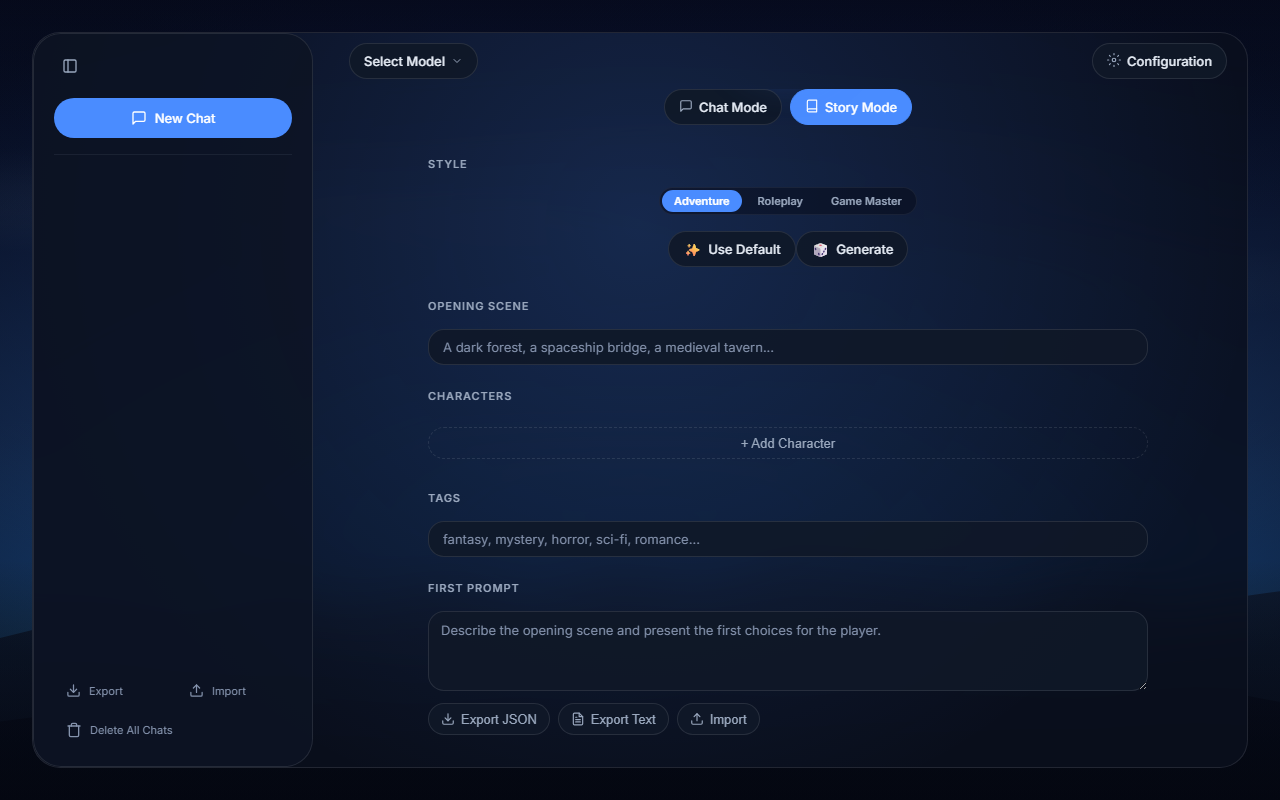
- Story mode — three styles of interactive fiction:
- Adventure (CYOA) — second-person narration, every reply ends with 2-3 numbered choices.
- Roleplay — the AI plays your lead character and NPCs; you direct the story or speak in character.
- Game Master — the AI runs the scene like a tabletop GM, narrating outcomes for what you attempt.
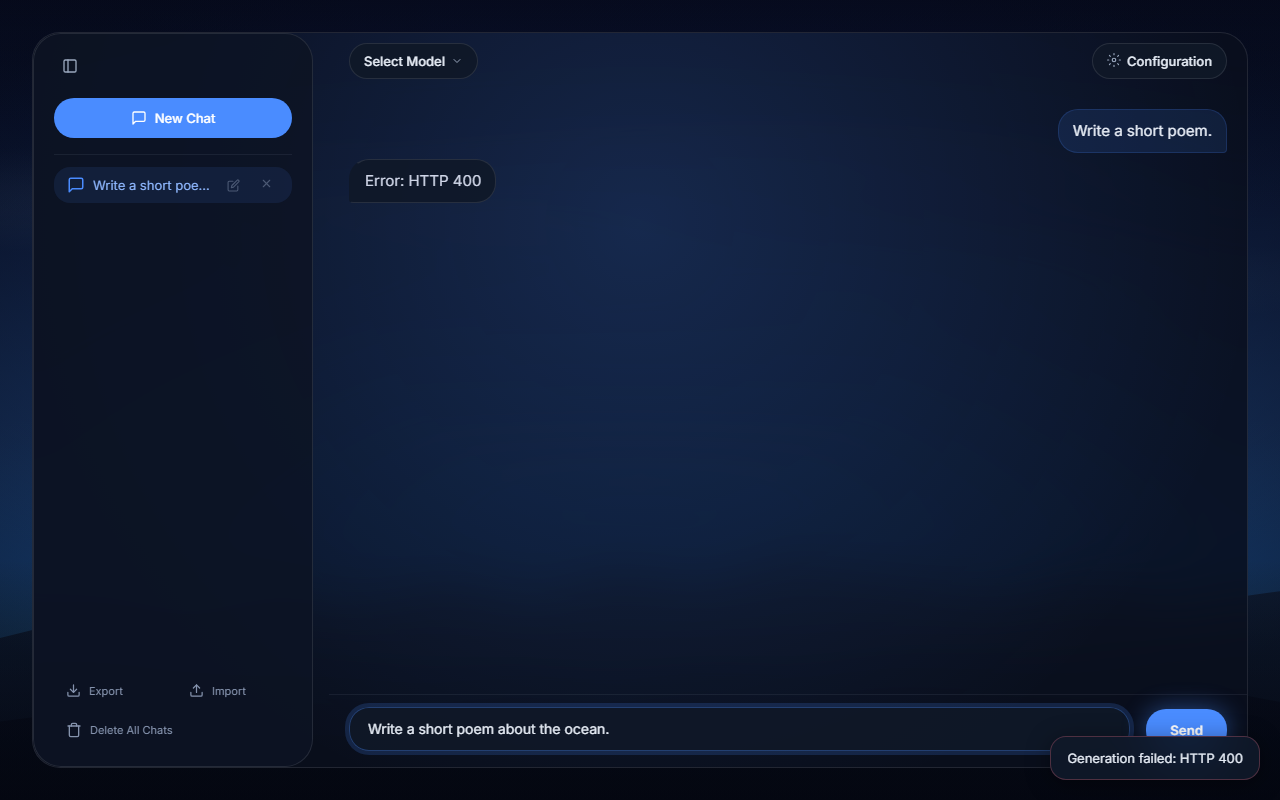
- Streaming — responses appear token-by-token as they're generated, rendered at ~30fps to avoid layout thrash.
- Markdown rendering — assistant responses render markdown with syntax-highlighted code blocks, powered by
marked+DOMPurify+highlight.js. - Regeneration — cycle through alternate responses for any message without losing the originals.
- Compression — older turns can be summarized into a single message to keep context under control.
- Provider switching — toggle between Local (LM Studio at
localhost:1234) and NanoGPT (cloud) without reloading. - Import / Export — export all your chats as JSON, or import them back. Story configs export as JSON or plain text.
Running it
Just open index.html in a browser, or serve the directory statically:
python3 -m http.serverhttp://localhost:1234 with a model loaded.
Tech stack
- Zero build tools — plain HTML, CSS, and vanilla JS.
- CDN-loaded:
marked(markdown parsing),DOMPurify(sanitization),highlight.js(syntax highlighting). - Everything persists to
localStorage— chats, settings, generation history, story configs. - Provider abstraction:
local(LM Studio) andnanogpt(cloud) registered instate.js. - Two conversation modes with their own system prompt builders:
chat(freeform) andstory(CYOA / roleplay / GM). - Streaming via raw SSE parsing — no SDK, no dependencies.
Want to check it out?
It's open source. Check the repo on GitHub.
AI Disclaimer
I have used AI to assist in the development of this project.